Panda Master Registration and Login: Step-by-Step Guide
By Alex Morgan | 16 Aug 2026
Panda Master registration is the starting point for everyone who wants an account, including people who arrive by searching for "Panda Master login" or "Panda Master online". This guide walks through the process as the registration page describes it, so you know what to expect before you enter any details.
Panda Master registration at a glance
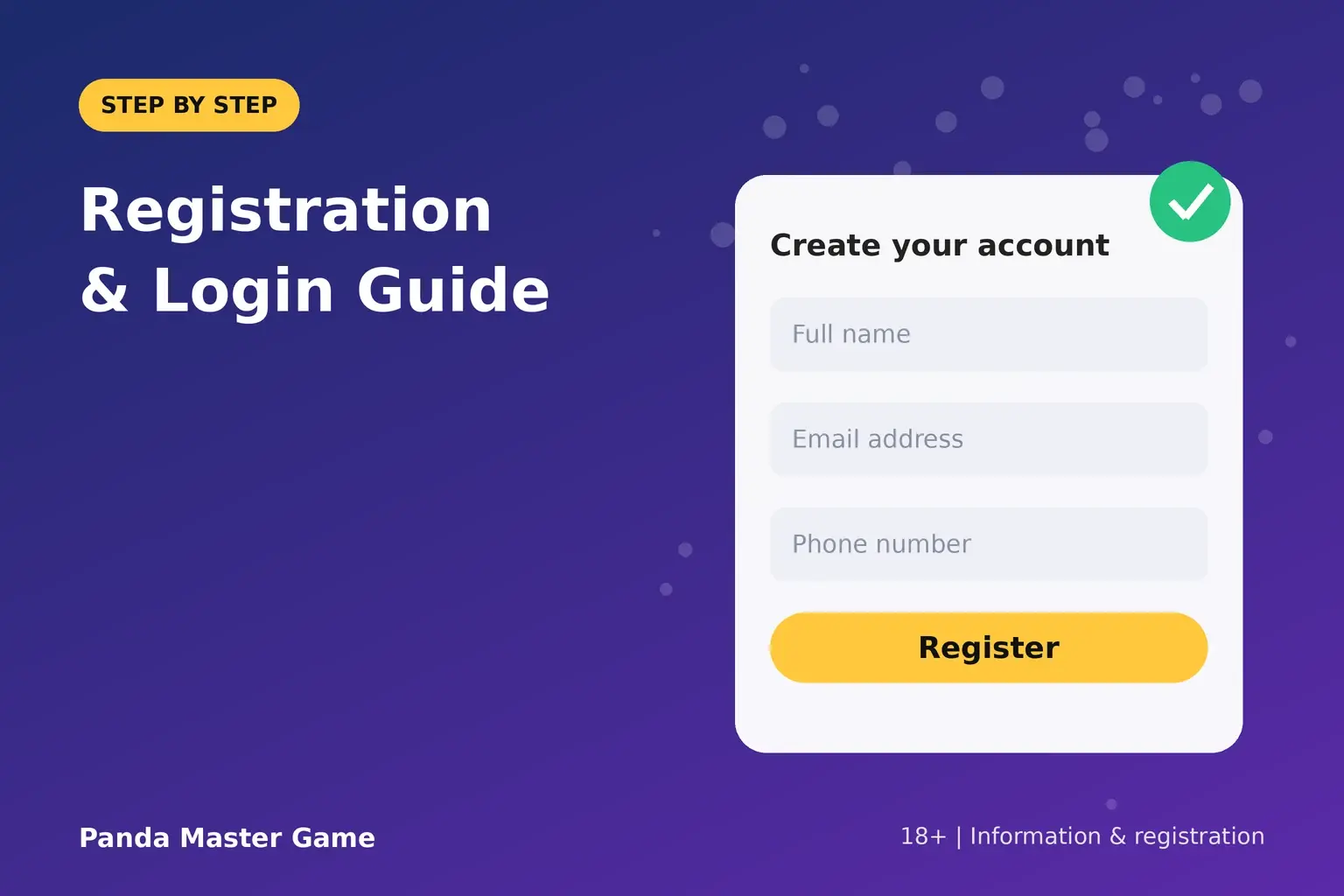
- What you need: your full name, an active email address and an active phone number.
- Who can register: adults aged 18 or over (or the legal age where you live, if higher). By registering you confirm your age and agree to the Terms and Conditions and Privacy Policy.
- Verification: the form includes a security check, and phone verification is required during account setup.
- After you submit: you reach a confirmation page that shows your account details and next steps.
- Downloads: the website does not provide direct gameplay or a game download. Gaming takes place on the associated gaming platform.
Is the Player Login page a login page?
Not exactly. The page people find when they search for Panda Master login is built for new player registration. It has a registration form, not a username-and-password box. Returning players use the account details and login option they received after registering (see "Returning players" below).
How to register, step by step
- Open the Panda Master registration page.
- Enter your full name, email address and phone number.
- Complete the security verification.
- Select Register Now.
- On the confirmation (Thank You) page, note your account details and the options for continuing.
- Choose the option to continue to the associated gaming platform. Depending on the option, you may land on an associated dashboard or on a partner login page.
- Use the details provided to finish account setup, including any required password setup, and complete phone verification by following the platform's instructions.
Use an email address and phone number you can access right now. The page says you need an active email address to receive important registration information and an active phone number for verification.
What happens after you register
Once account setup and verification are complete, you can continue with the available gaming options on the associated platform. Where applicable, funds can be added before you request access to a selected game. Credits, prizes and any redemption are governed by the platform's rules and the applicable offer terms, so read them before you add funds.
The $5 welcome bonus belongs to this post-registration flow. Its conditions are explained in our guide to the Panda Master welcome bonus and other rewards. When you are ready to choose something to play, the full Panda Master games list shows what is available.
Returning players: how to log back in
The registration page does not include a separate login form. Use the account details and the login option shown on your confirmation page, which leads either to the associated dashboard or to the partner login page. Keep that information somewhere safe. If you cannot find it, contact support.
Troubleshooting registration problems
- The form will not submit. Check that all three fields are complete, that the email address is valid, and that the security check is finished.
- No confirmation page. Wait a moment and check your email. If nothing arrives, contact support before submitting the form again.
- Phone verification does not work. Confirm that the number you entered is correct and that you can be reached on it.
- You lost your account details. Contact support and explain what you need.
Support for account access, technical problems and general questions is available through the Panda Master contact page.
Know the rules before you play
Registration is only the first step. Before you play, it helps to understand how sweepstakes-style rules work and to decide on your limits using our practical guide to setting limits. If you run a game room or retail business, a different path applies: read how a business can apply as a Panda Master distributor.
Ready to start? Open the registration form and enter your name, email address and phone number. Your account details appear on the confirmation page once you submit.
Frequently asked questions
Is the Panda Master login page the same as registration?
Yes. People find the page by searching for Panda Master login, but the form on it is for new player registration. Returning players use the details from their confirmation page.
What do I need to register?
Your full name, an active email address and an active phone number. You also complete a security check on the form.
How old do I have to be to register?
You must be 18 or over, or the legal age where you live if it is higher. Registering confirms that you meet the age requirement.
Can I download Panda Master from this website?
No. The website does not provide a direct game download or direct gameplay. After registering, you continue to the associated gaming platform.
Why does Panda Master ask for phone verification?
The registration page states that phone verification is required as part of account setup. You complete it on the associated platform by following its instructions.